Hot Searches: Color Doppler Ultrasound Probe Puncture Rack

Latest Products

Network transmission failures and daily maintenance
Release time:
2025-03-12 09:36
I.Introduction to MRI Equipment Network

1. Network Disconnection: Check the host power supply, startup and software operation status, whether the network cable and network port pins are loose or have poor contact, and the status of the switch and its power supply.
2. Network Congestion: Transmission queue clearing, external interference.
3. Unstable Transmission: Check for IP conflicts, check host stability, interference from new devices, network cable integrity and interface contact, and follow the principle of power supply: simple to complex, power supply before components, peripherals before host. First, check the network cable, network card, power supply, and switch; second, check the monitor, hard disk, memory, etc.
First, familiarize yourself with the configuration of the hospital's MRI extranet equipment; collect and record the network configuration parameters of the extranet equipment: hostname, IP Address, transmission method AE Title, port, etc. for backup.
2. Daily Software Maintenance
Regularly clean up operating system junk files and disk fragments. Check network connectivity, usually using the ping command to check connectivity and packet loss.
Regularly maintain and upgrade antivirus software and firewalls; when copying information from external disks, perform virus checks first.
3. Daily Hardware Maintenance
Regularly check the equipment in line order, including the host or server, network cables, switches, power supplies, etc., to ensure that the hardware equipment is in good working condition. Regularly clean fans, plugs, and air ducts.
Strictly control the temperature and humidity of the equipment room. The room can withstand temperatures between 5~33℃ and humidity between 25~65%.
4. New Equipment
When upgrading and expanding equipment, match the parameters between the equipment to avoid adding peripherals that cause the original equipment to operate at high loads, reducing quality, shortening service life, or even causing equipment damage.
In network connections, IP conflicts can prevent network connection due to incorrect network Address parameter settings. Check the device connection properties, IP Address, subnet mask, gateway, and DNS parameters to ensure that they are not set repeatedly. Also pay attention to the order of IP Addresses.
This information comes from the Internet. Please contact us for removal if there is any infringement.
Contact Us
Room 618, 36 Gaoke Road, Tianhe District, Guangzhou, China
national unified free service hotline:400-020-6788


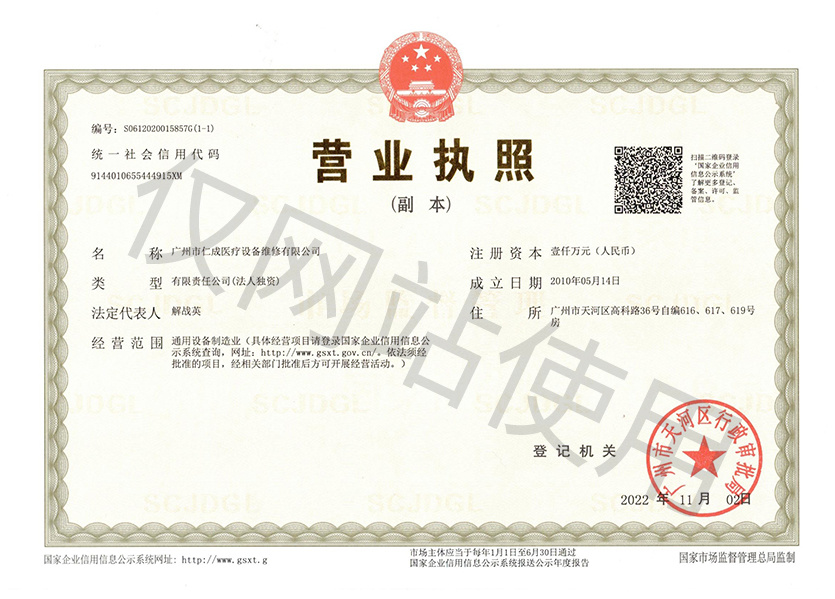
Copyright©2025 All Rights Reserved of Rencheng (Guangzhou) Medical Equipment Maintenance Co., Ltd.